Features
Everything you need to book, hold and follow up on meetings, without stitching five tools together.
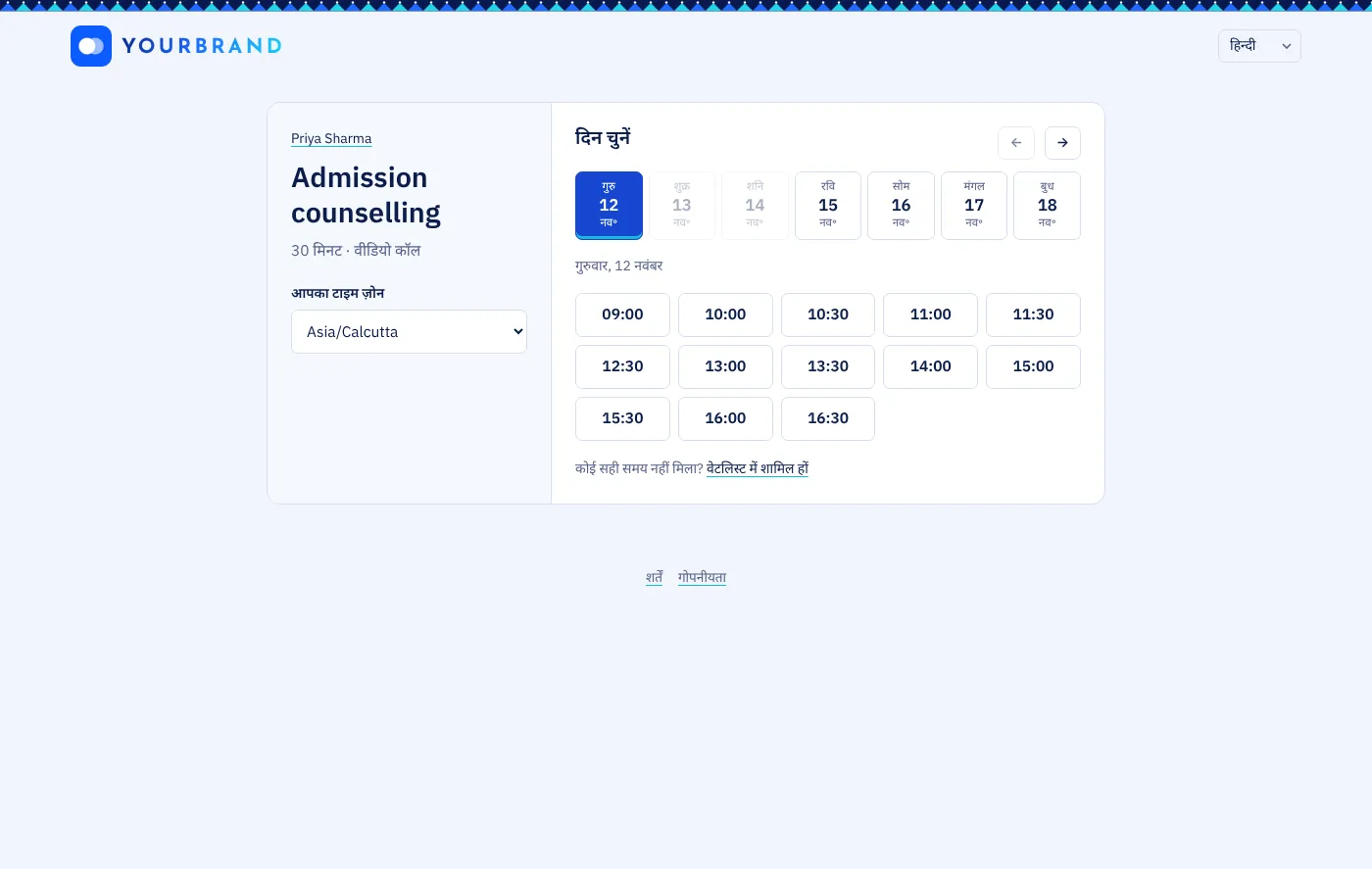
Booking page
- Meeting typesDifferent lengths, descriptions and questions for each kind of meeting.
- Working hours and days offSet your week once; block holidays and busy days.
- No double-bookingsTwo guests can’t take the same time, even if they click at the same moment.
- Group sessionsLet several people book the same slot, up to a seat limit.
- Questions for guestsAsk what you need to know before the meeting.
- Guests reschedule or cancelEvery guest gets a private link to change their booking, with a cut-off you choose.
- Approve each bookingHold the time until you say yes, or turn it down with a reason.
- Secret types and one-time linksUnlisted meeting types, and links that book once and then stop working.
- In person, phone or videoGive an address, call the guest, or meet on video.
- Flexible schedulingSeveral lengths to pick from, start times every 15 minutes, buffers before and after, weekly limits and special hours on any date.
- Routing formsAsk a few questions first, then send each guest to the right person or meeting type.
- Find a timeSuggest several times, let people vote, then turn the winner into a meeting.
- Parent consentFor schools: parents agree on their child’s page before the child’s details are used, as the DPDP Act asks.
Scheduled meetings
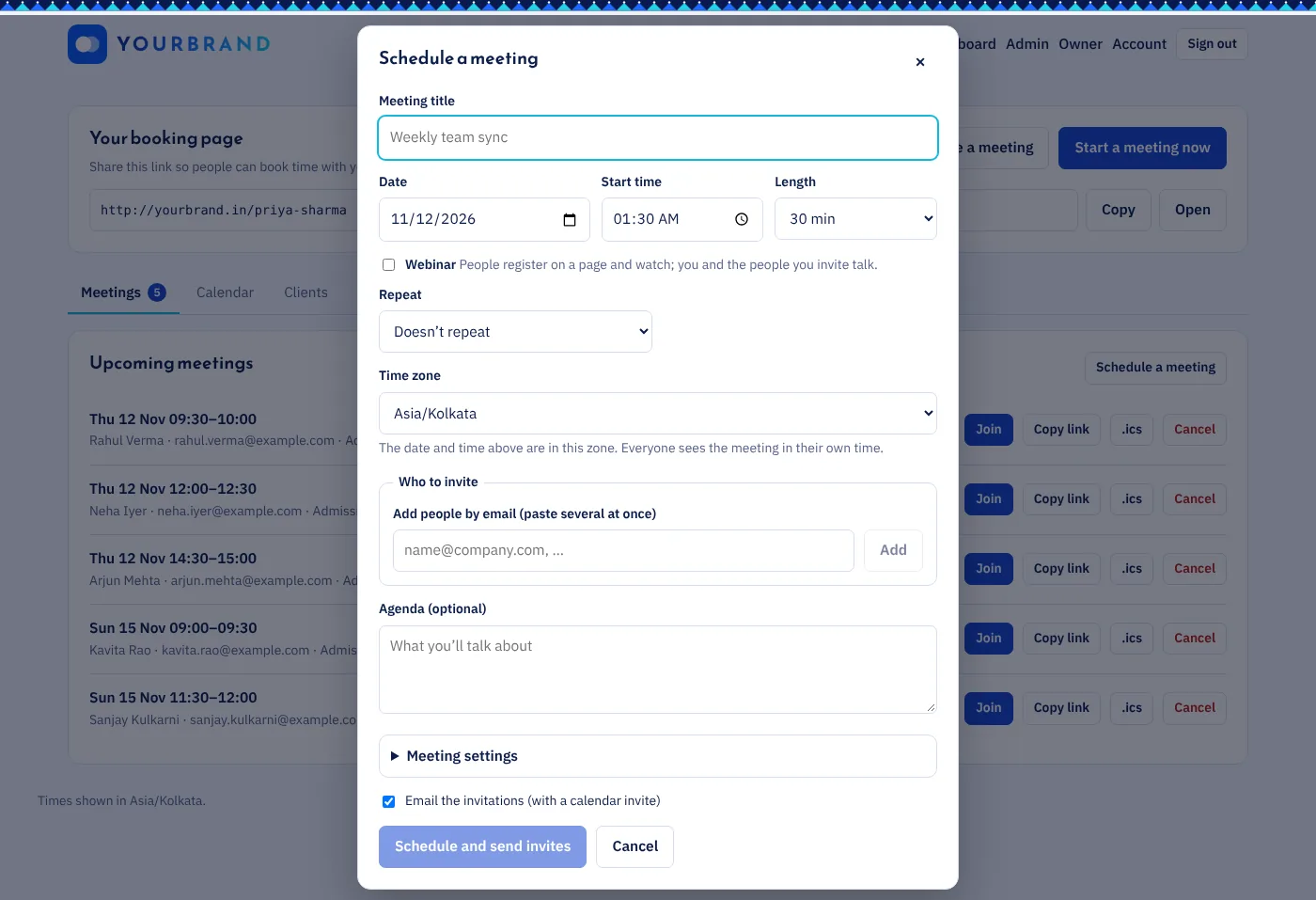
- Pick the time yourselfDate, time, length and time zone, for meetings you organise.
- Invite anyoneTeammates from a list, or any email address.
- RepliesPeople answer going, maybe or not going; you see who’s coming.
- Personal join linksInvited people skip the waiting room.
- Changes handled for youMove the time or the guest list and everyone’s calendar updates.
- Clash warningsYou’re told if you already have a meeting at that time.
Video meetings
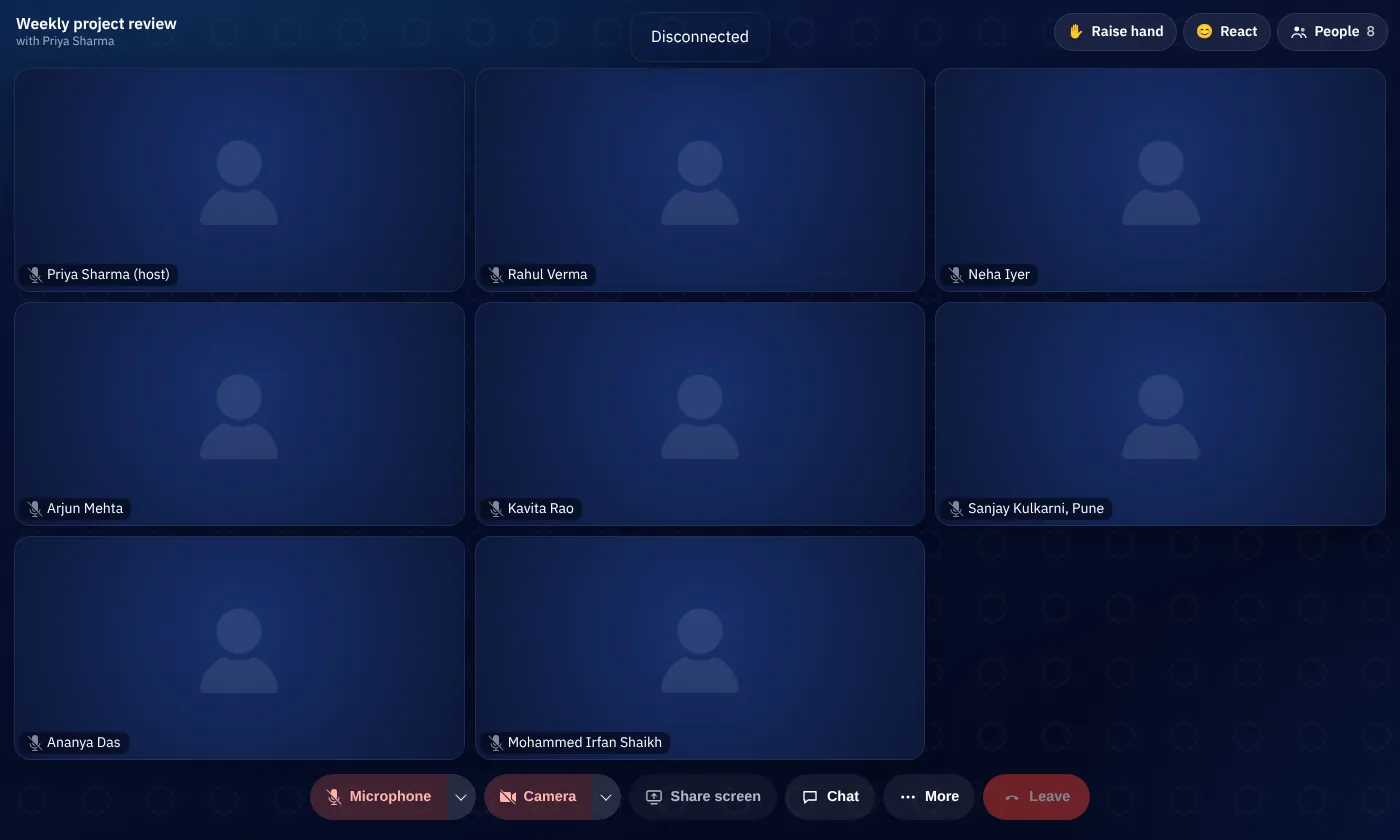
- In the browserNothing to install, on phones and computers.
- Screen sharing and chatShow your work and share links during the call.
- Waiting room and lockDecide who comes in; lock the room when everyone’s there.
- Polls and whiteboardVote on decisions and sketch ideas together. The whiteboard is saved.
- BackgroundsBlur what’s behind you, or pick one of our pictures or your own. It all runs in your browser.
- Co-hosts and spotlightShare the controls with a co-host, and show one speaker large for everyone.
- Breakout roomsSplit people into small groups, with a timer and messages to every room, then bring everyone back.
- Live captionsSpeech becomes text as people talk, made on our own servers.
- Q&APeople ask and up-vote questions; you mark them answered.
- WebinarsA registration page, personal join links and reminders, viewers who watch while panelists talk, and live streaming to YouTube.
- RecordingRecord the meeting; the file stays private to your workspace.
- AI meeting notesA transcript, summary and action items after each recorded meeting, made on our own servers.
Teams
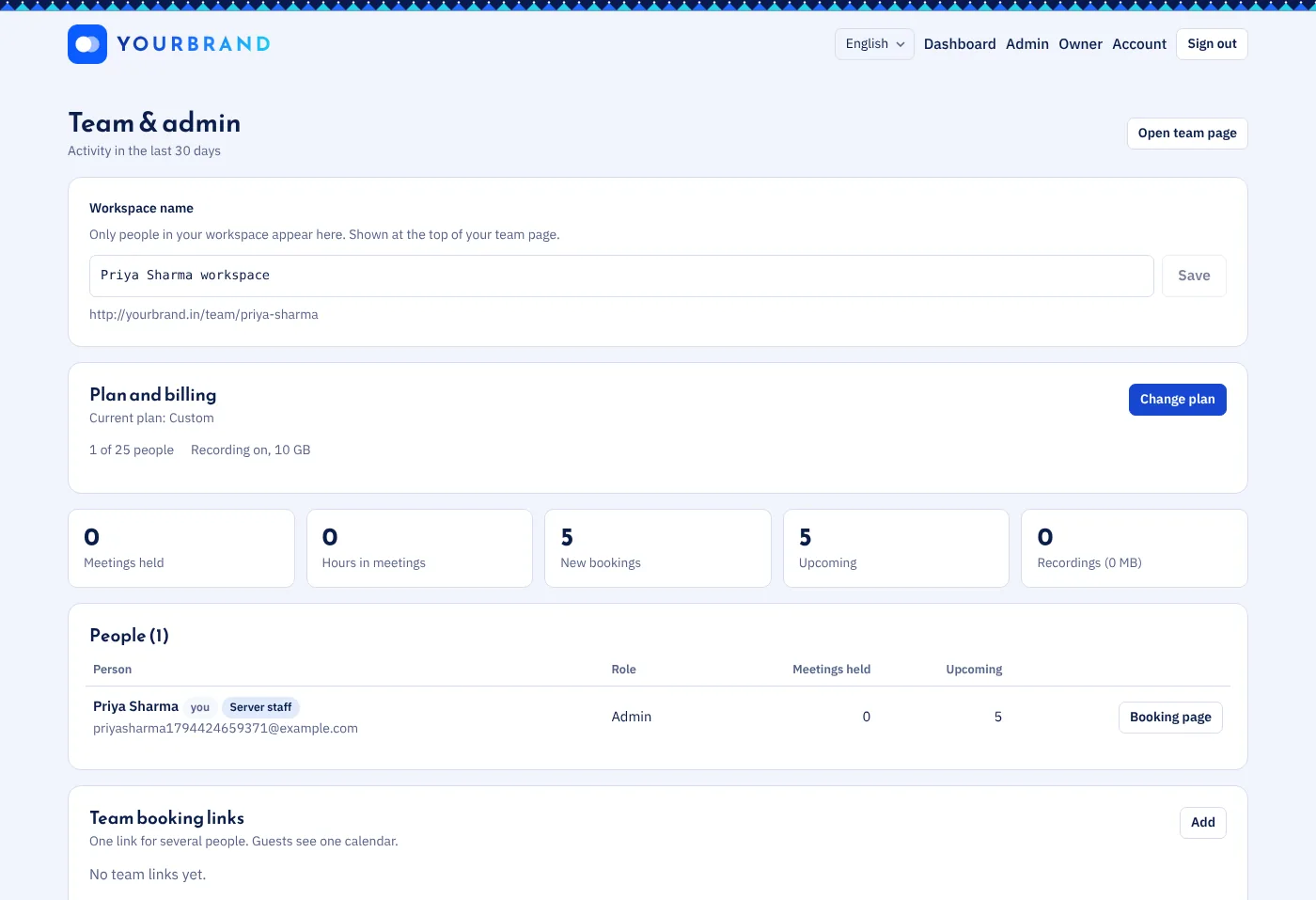
- WorkspacesYour team has its own space, separate from everyone else.
- Team booking linksRound-robin or everyone-together links for the whole team.
- Admins and membersInvite people, set roles and see team activity.
- Company sign-inSign in with Microsoft 365 or Google Workspace. New colleagues from your domain can join on their own, and you can require it.
- Your brand and domainYour logo and colours on booking pages, on your own address like meet.yourschool.in.
- InsightsBookings, cancellations and no-show rates per person and per meeting type.
- API and webhooksConnect your ERP or school system: a REST API and signed webhooks for every booking change.
- Embed on your websitePut your booking page inside your own site.
Calendar and notifications
- Calendar invitesEvery booking arrives as an invite for Google, Outlook or Apple Calendar.
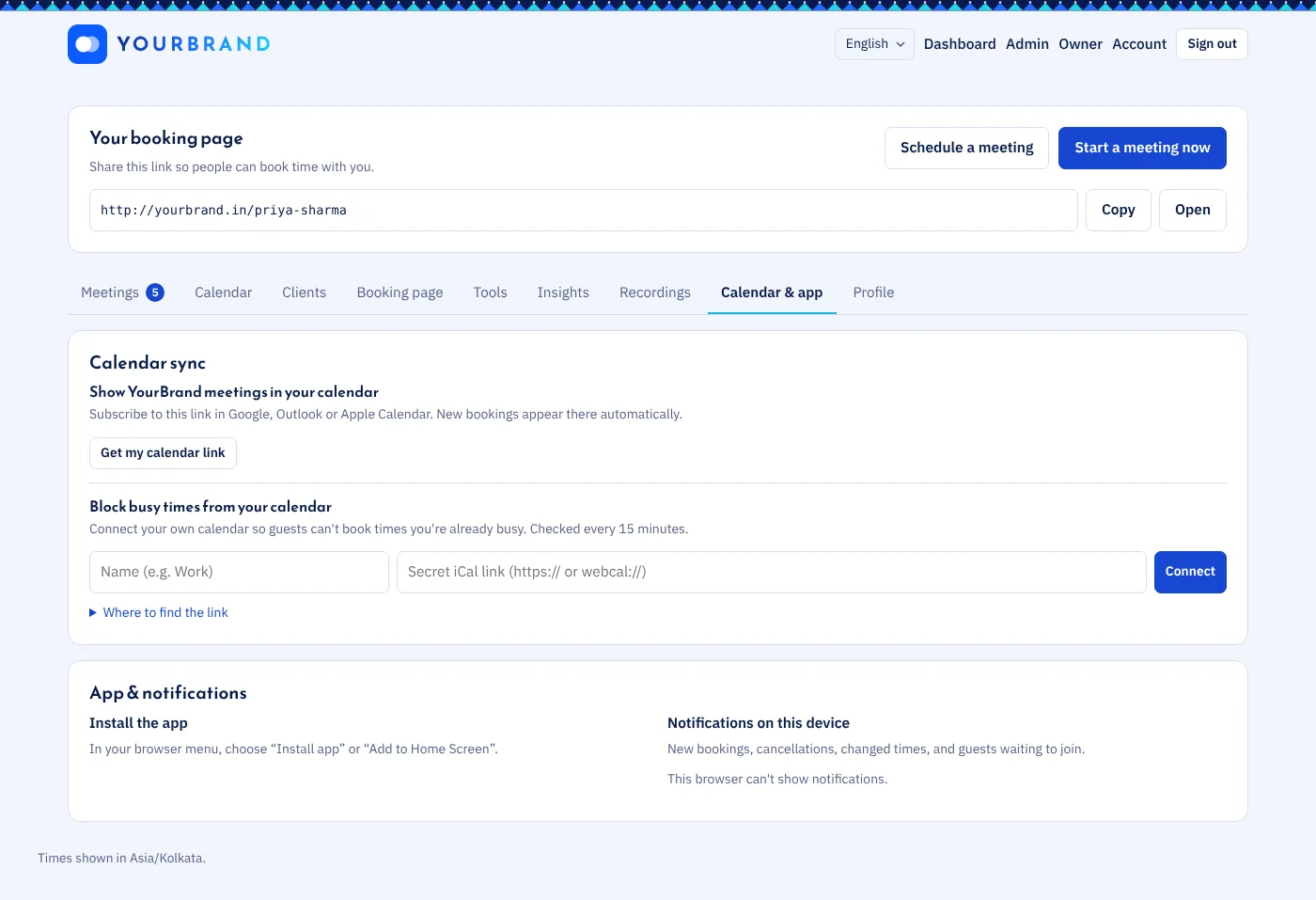
- Two-way calendar syncConnect Google Calendar or Outlook: busy times block those slots, and new meetings appear in your calendar.
- Subscribe to your meetingsOne link shows all your meetings in your own calendar app.
- RemindersEmails a day and an hour before, and phone notifications.
- WorkflowsYour own reminder timing, a thank-you after the meeting, and a note to no-shows to rebook.
- Repeating meetingsA weekly team sync in one go: every week, every 2 weeks or every month.
- WhatsAppGuests who add their mobile number get the confirmation and reminders on WhatsApp.
Languages and time zones
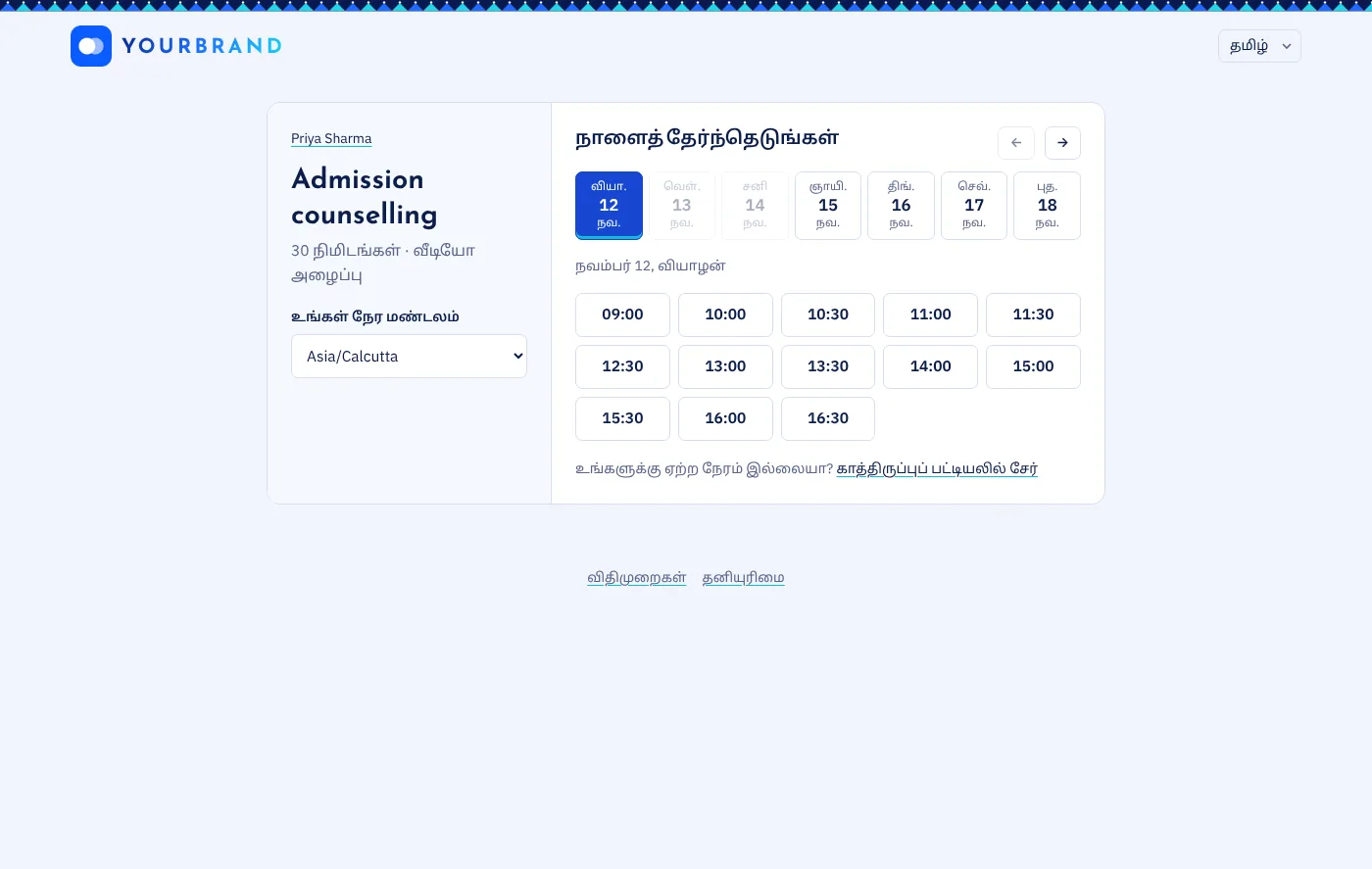
- 5 languagesEnglish, Hindi, Tamil, Marathi and Urdu. Every page and email.
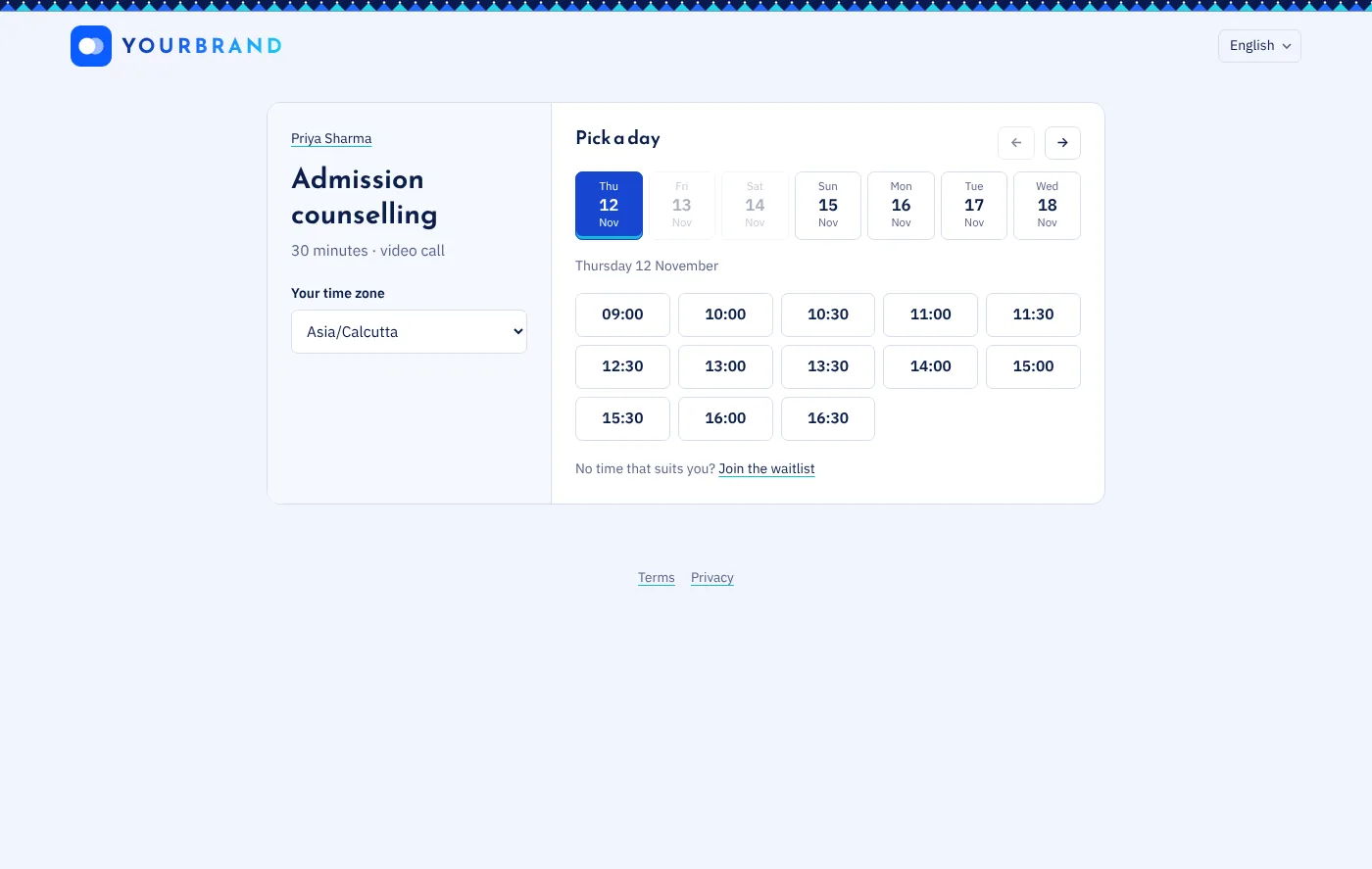
- Everyone’s own timeGuests always see times in their own time zone.